Preserve the timeline
Dates and senders make it easier to follow a decision from request to approval.
 Open the app
Turn WhatsApp client approvals, project instructions and team handoffs into searchable business records. Create PDFs or Premium spreadsheets locally.
Start with Clean · approvals, instructions and handoffs
Bring the request, approval and follow-up into one clear document. Start with Clean style for your project folder, then add attachment records or an Excel export when you need more detail.
Standard from $9 for a transcript. Premium adds Excel, CSV and attachment records; monthly plans suit repeat use.
View an actual sample PDF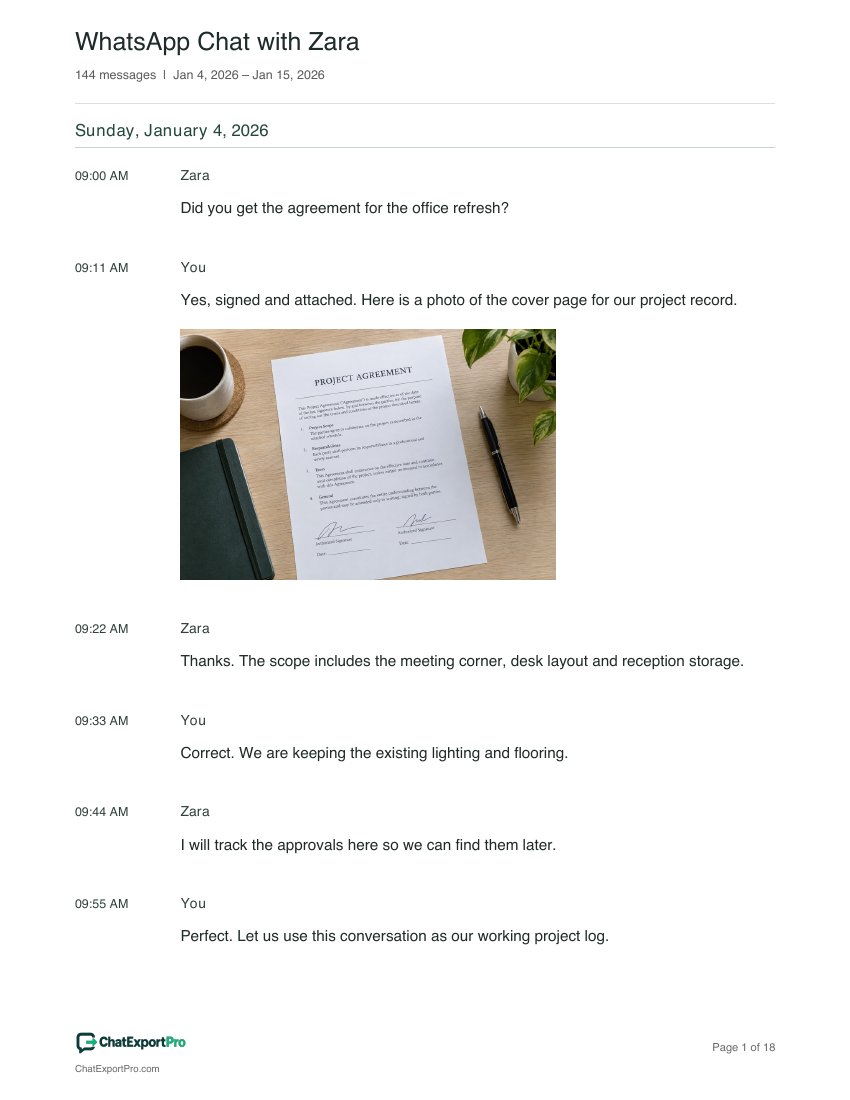
Dates and senders make it easier to follow a decision from request to approval.
Filter dates or participants. Premium can retain following messages around a search match.
Premium Excel exports contain Messages, Attachments, Participants and Export details worksheets.
Export the client or team conversation covering the decision you need to record.
Select the project date range and relevant participants. Keep the request, approval and follow-up together.
Save a Clean PDF for the project folder, or use Premium Excel for a structured record with attachment details.
One-time access covers the exact file you import, including repeat exports. A new WhatsApp export needs a new purchase or a monthly plan.
Compare plansYour document can only include messages and media present in your WhatsApp export. Keep the original file and only process conversations you have the right to use.